|
||||
|
|
|
|
|
||||||||
|
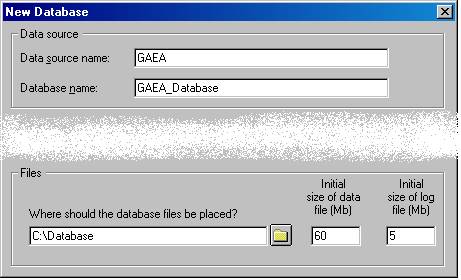
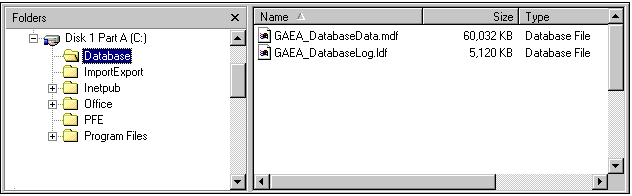
Your specimen data is stored in a special database format managed by Microsoft�s SQL Server Desktop Engine. Using the create database command you can create extra databases for special needs. Each database is stored on your computer�s hard disk using two files. One of these two files stores all of your data, the other is a transaction log file used to ensure that changes to the first file are always carried out without corruption.
Caution: Do not attempt to move these two files using Windows Explorer. Moving these files to a different directory or a different disk will damage them so that you�ll be unable to use your database. If you need to change their location follow the instructions for Moving your database files.
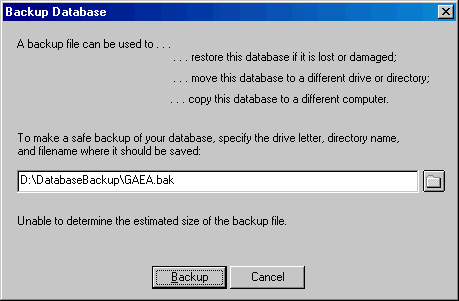
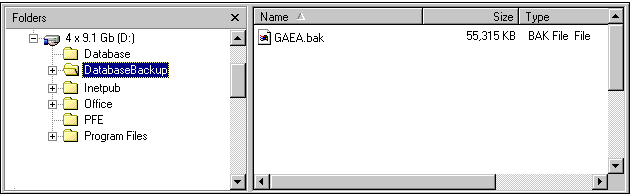
When you make a backup of your database, the two files are compressed into one special backup file. This backup file is suitable for use with the database restore operation.
|
See also
 Attaching a database from a previous installation
The database version control utility
Last reviewed March 25, 2004
|
|||